


Description
Download RealCalc Scientific Calculator APK – scientific calculator, free calculator, Android calculator, unit conversions, RPN calculator, fractions, degrees minutes seconds, memory function, calculator help
Overview
RealCalc Scientific Calculator is a desktop-grade utility designed for users who require advanced mathematical functionality without the expense of physical hardware. The application serves as a comprehensive digital alternative to traditional scientific calculators, offering a full suite of operations essential for academic, engineering, and scientific work. It is particularly suited for students, educators, and professionals engaged in mathematics-heavy disciplines where precision and efficiency are critical. The app supports both algebraic and RPN (Reverse Polish Notation) input methods, catering to diverse user preferences and workflow styles. Its inclusion of unit conversions, percentage calculations, and multiple display modes enhances usability across various technical tasks. The developer, K. B. D. Software, has focused on delivering a lightweight yet powerful tool that mimics the behavior of hardware calculators while leveraging the flexibility of mobile platforms. RealCalc’s clean interface and instant accessibility make it ideal for classroom use, exam preparation, or on-the-go problem solving. The application also features a built-in help section that explains the ten available modes, supporting users who are new to advanced calculator functions. This makes it a valuable learning aid and a practical tool for daily use.
Key Features & Capabilities
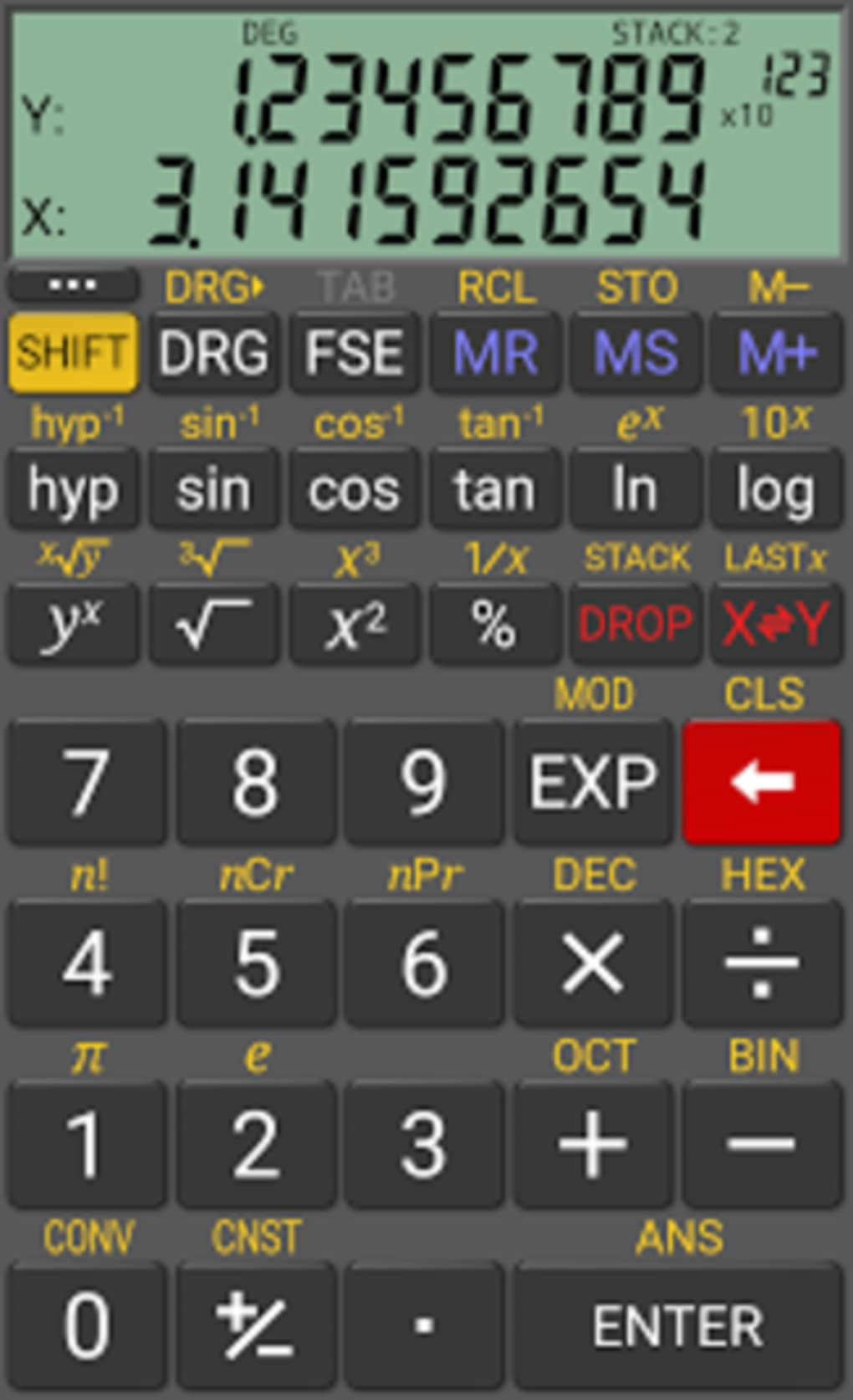
- Scientific Functions – Includes trigonometric, logarithmic, exponential, and hyperbolic functions essential for advanced mathematics and engineering calculations.
- Algebraic and RPN Modes – Supports two distinct input methods, allowing users to choose between standard algebraic entry and the more efficient RPN method used by professionals.
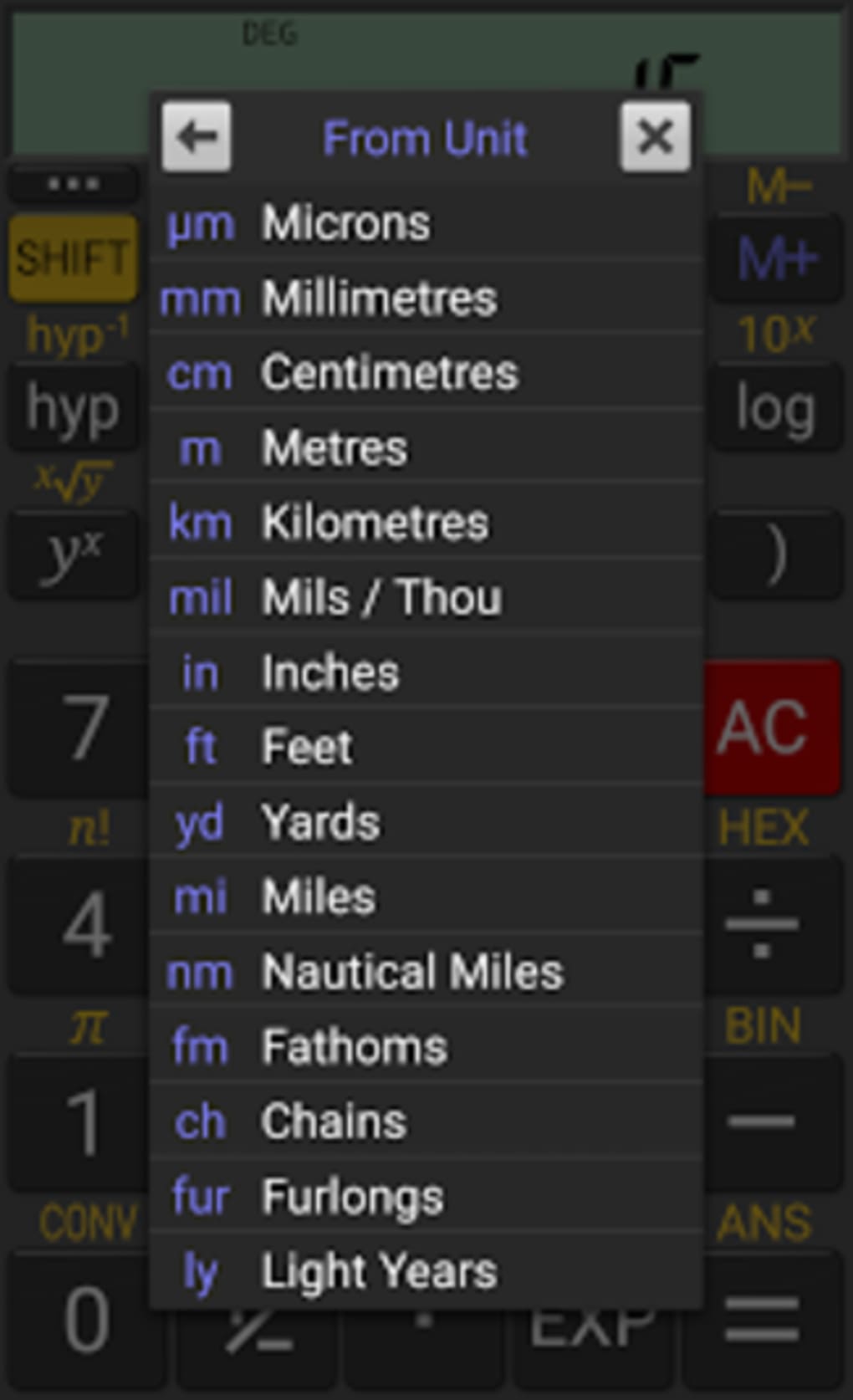
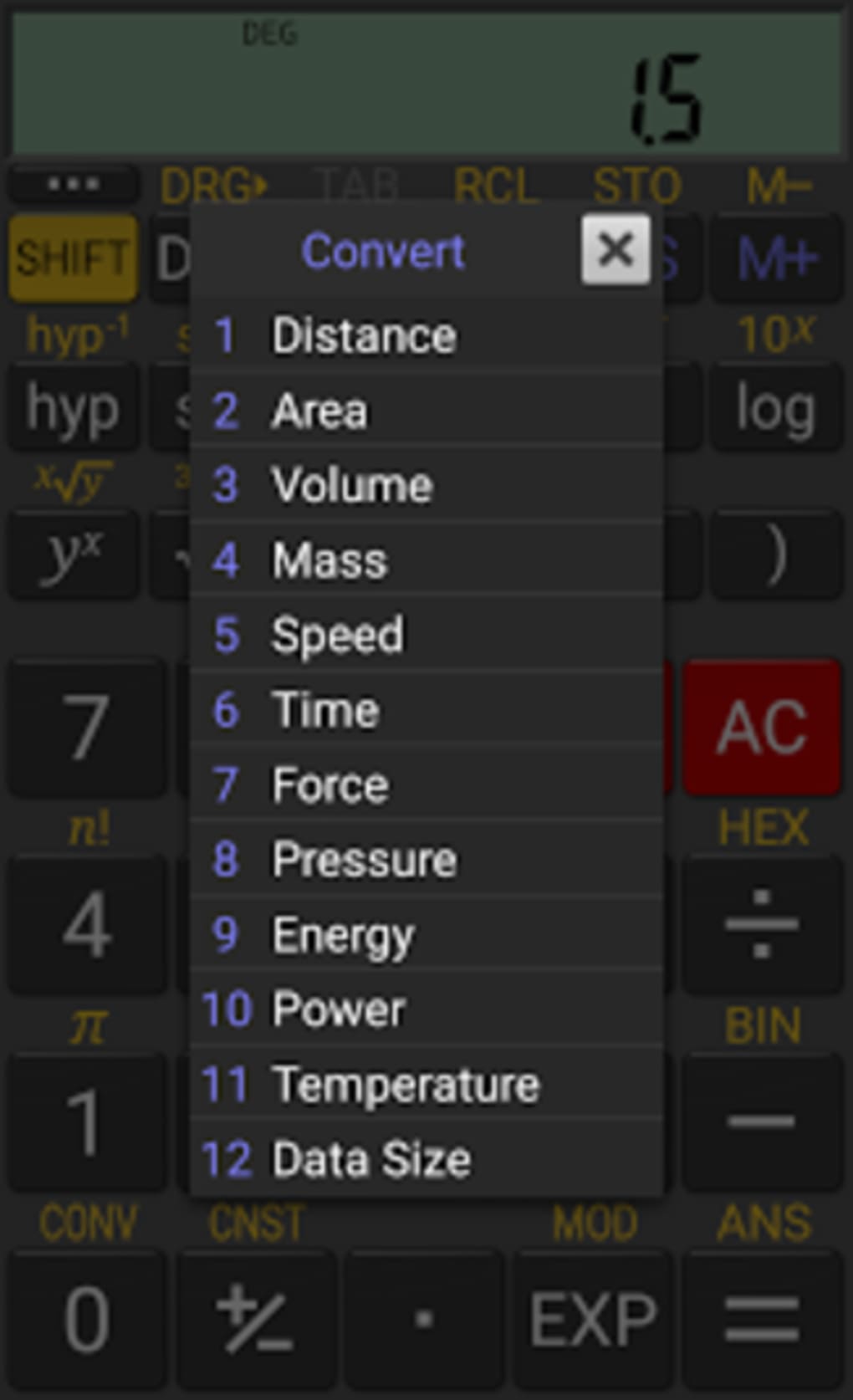
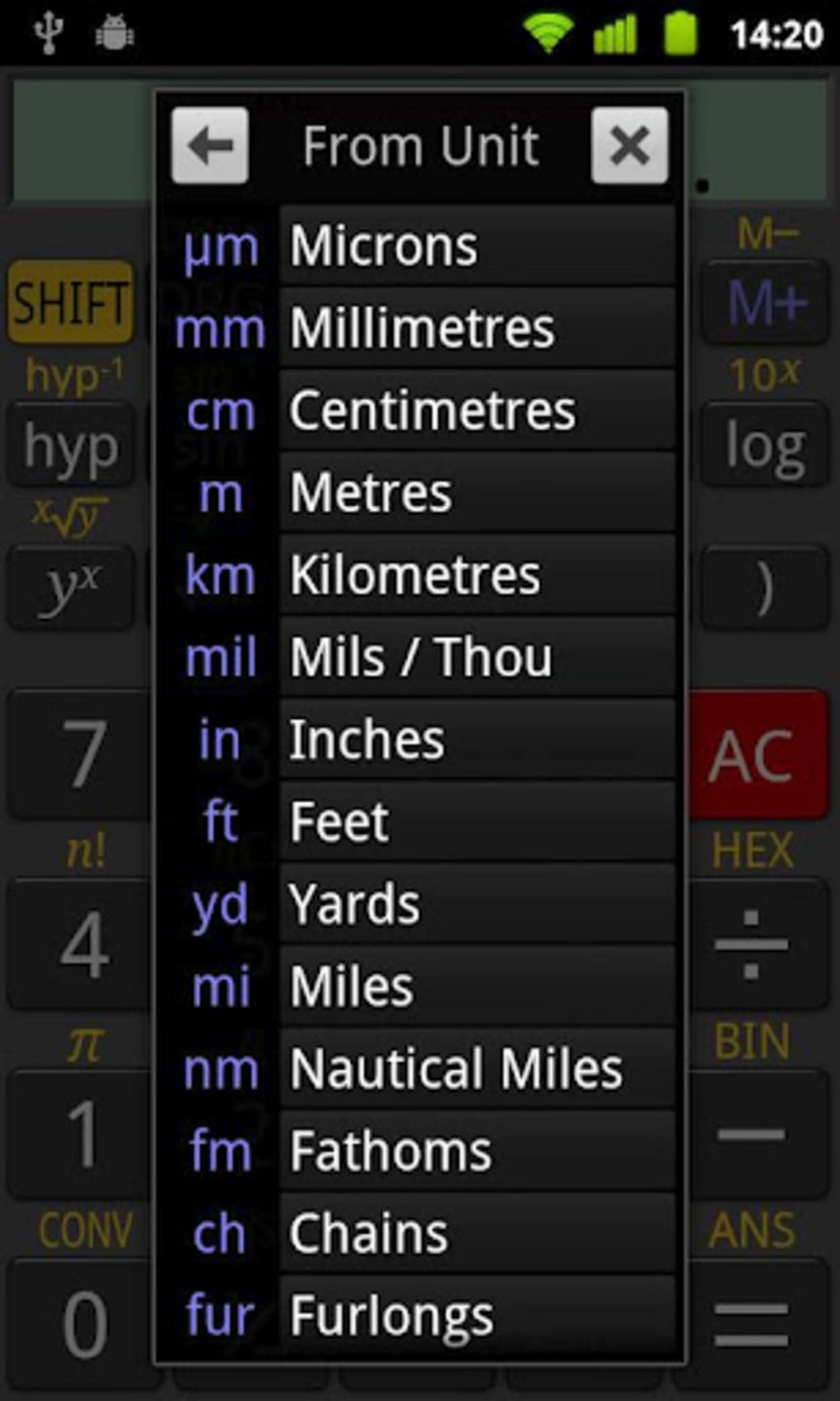
- Unit Conversions – Provides built-in conversion tools for common units across categories such as length, weight, temperature, and area, enabling seamless transitions between measurement systems.
- Fractions and DMS Support – Offers specialized modes for handling fractions and degrees/minutes/seconds (DMS), which are particularly useful in geometry, navigation, and surveying.
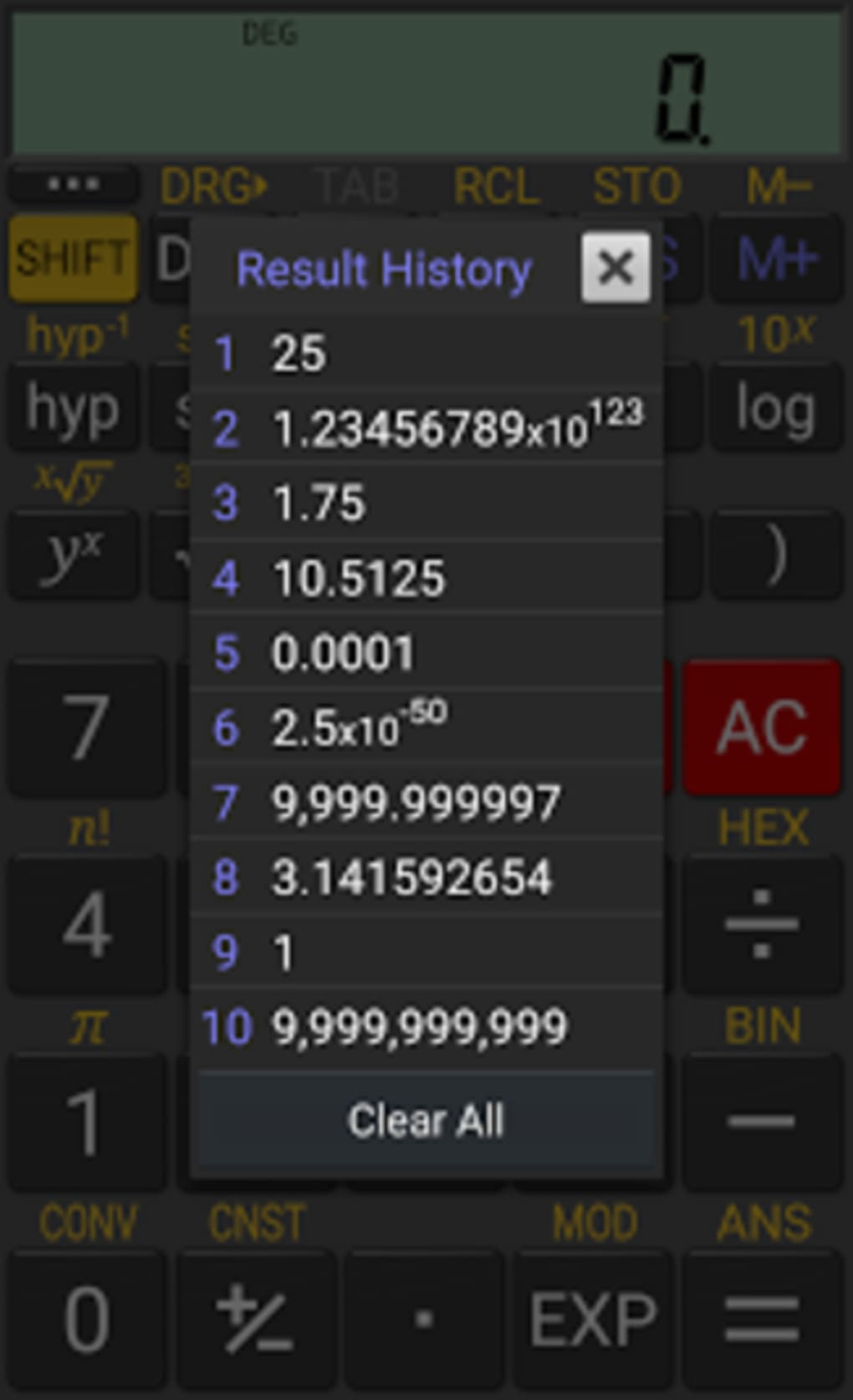
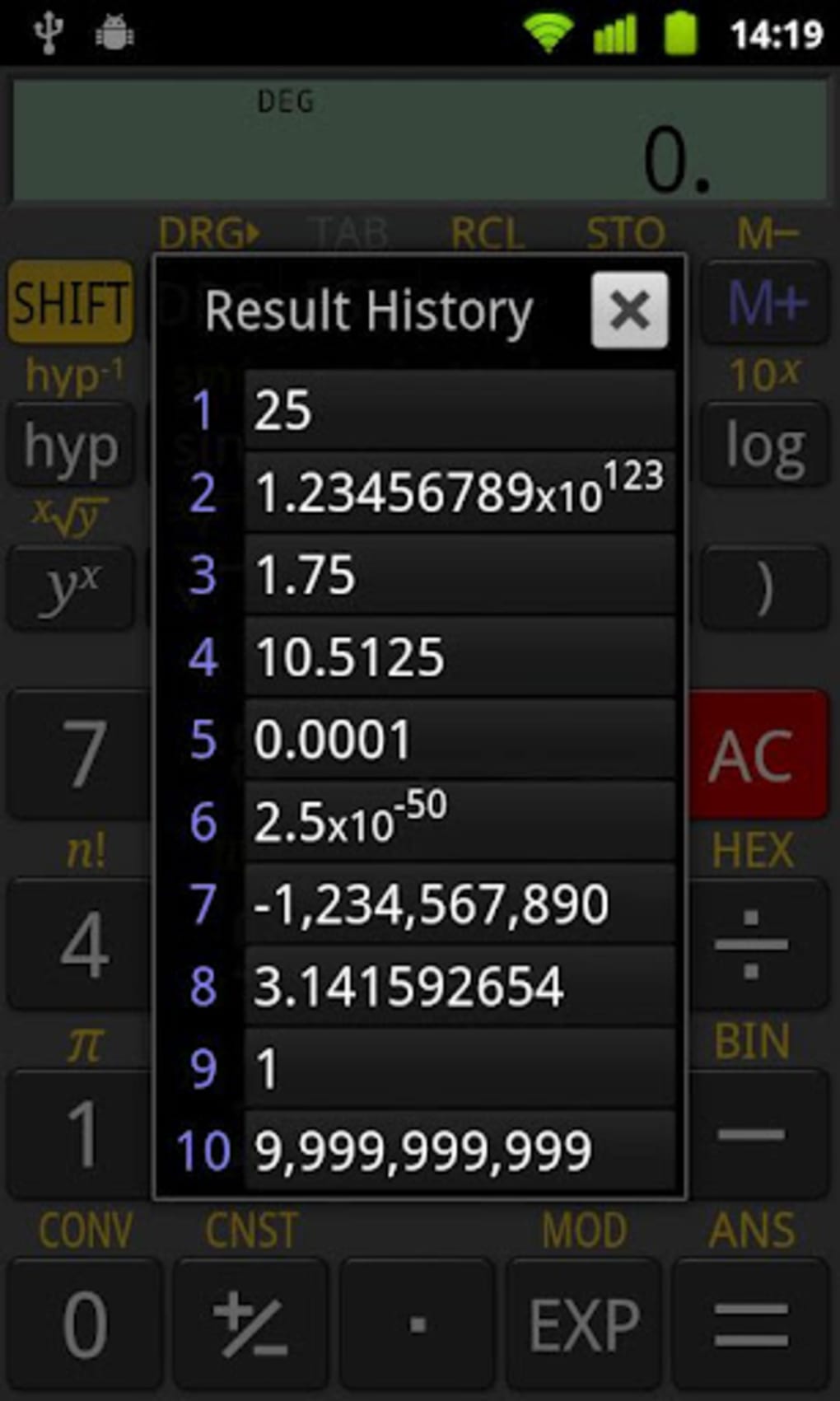
- Memory Function – Features a dedicated memory storage system that allows users to save, recall, and manipulate intermediate results without manual note-taking.
- Customizable Display Modes – Enables users to adjust number formatting, decimal places, and display style to match their preferred workflow or task requirements.
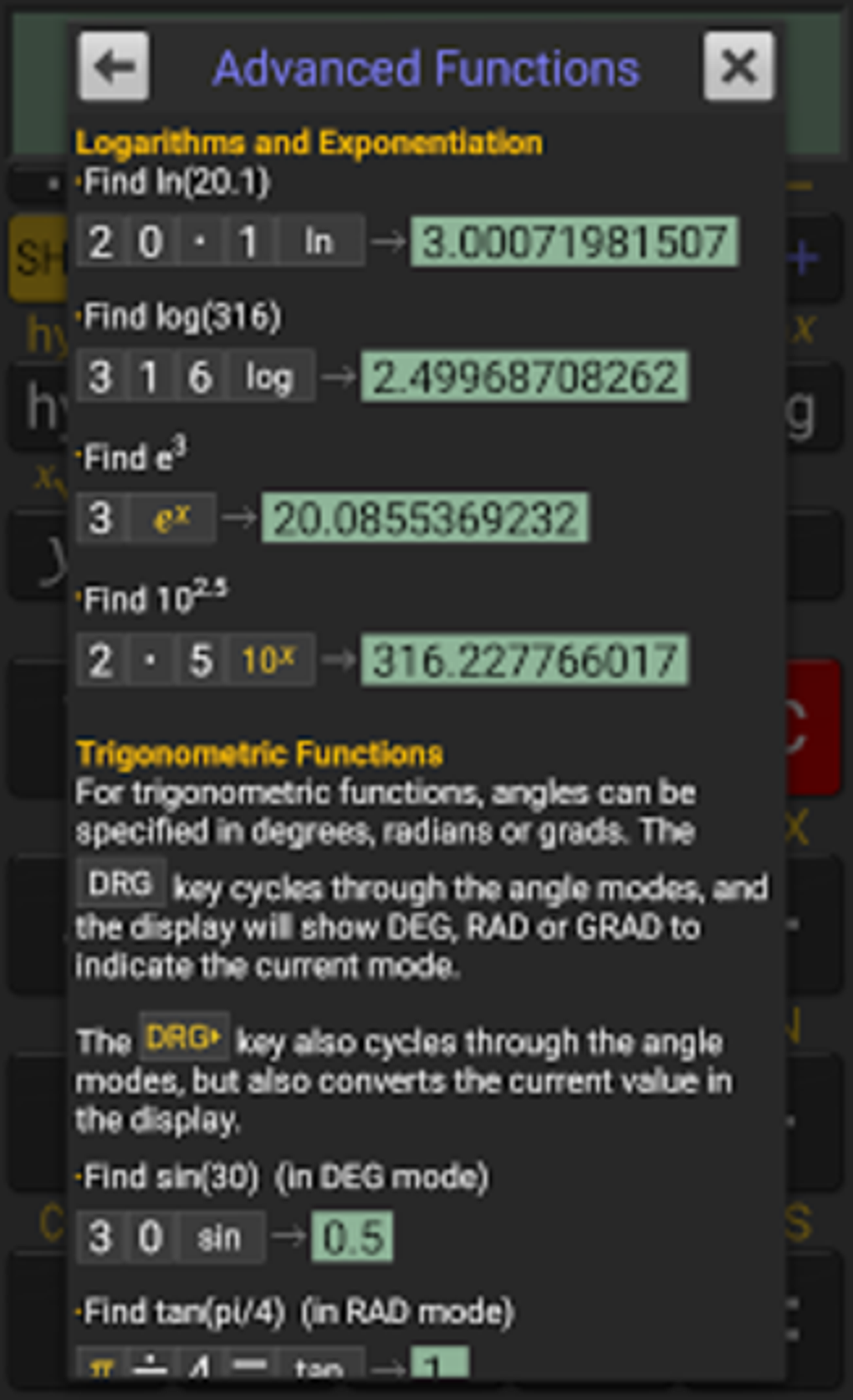
- Calculator Help Section – Includes a guided tutorial explaining the ten different operational modes, helping beginners understand and utilize advanced features effectively.
- Free Core Version – The base application is available at no cost, providing robust functionality suitable for most academic and personal use cases.
These features collectively support a wide range of real-world applications, from solving complex equations in physics to calculating financial percentages or converting units in technical documentation. The ability to switch between input methods ensures adaptability across different user skill levels and professional standards.
User Interface, Workflow & Performance
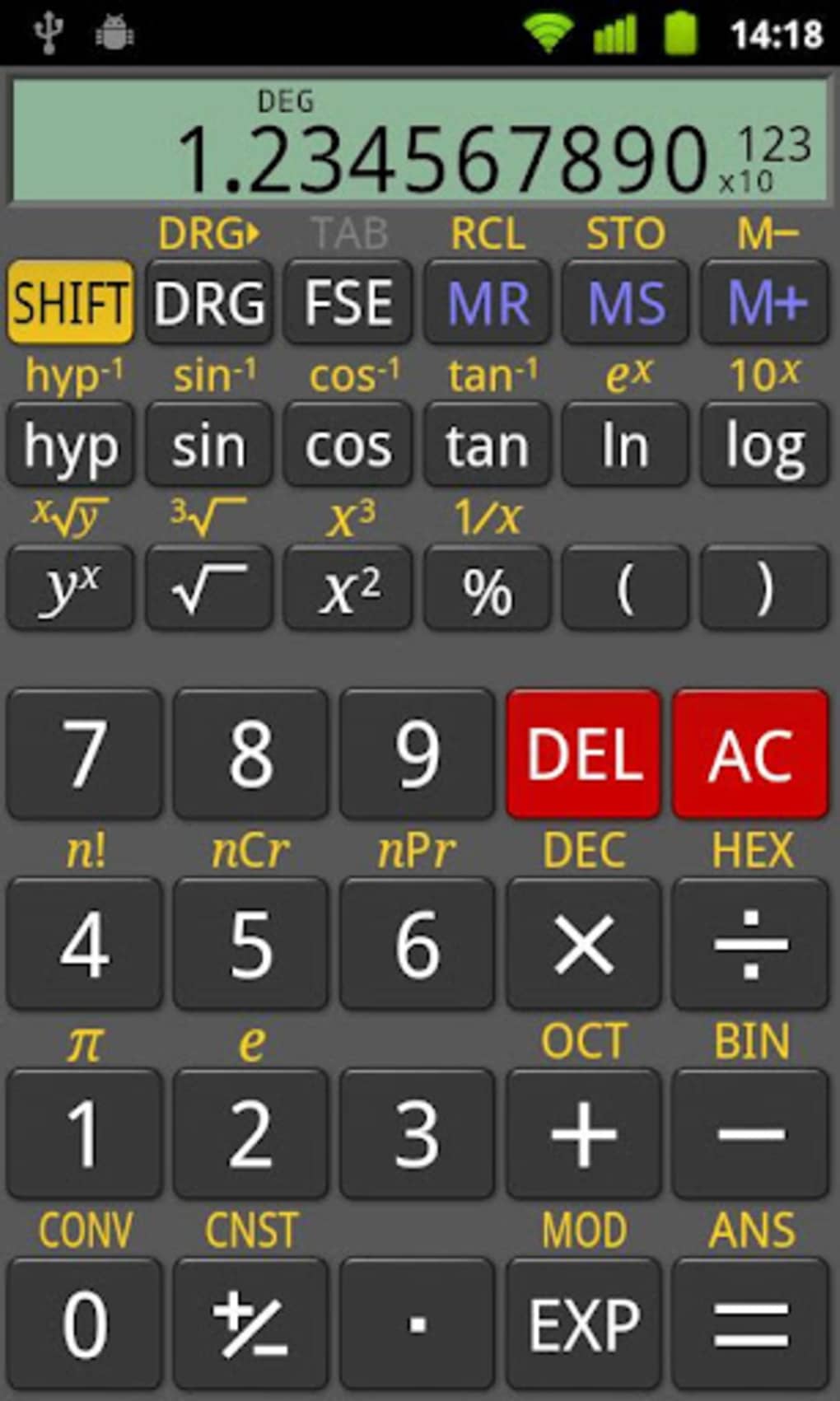
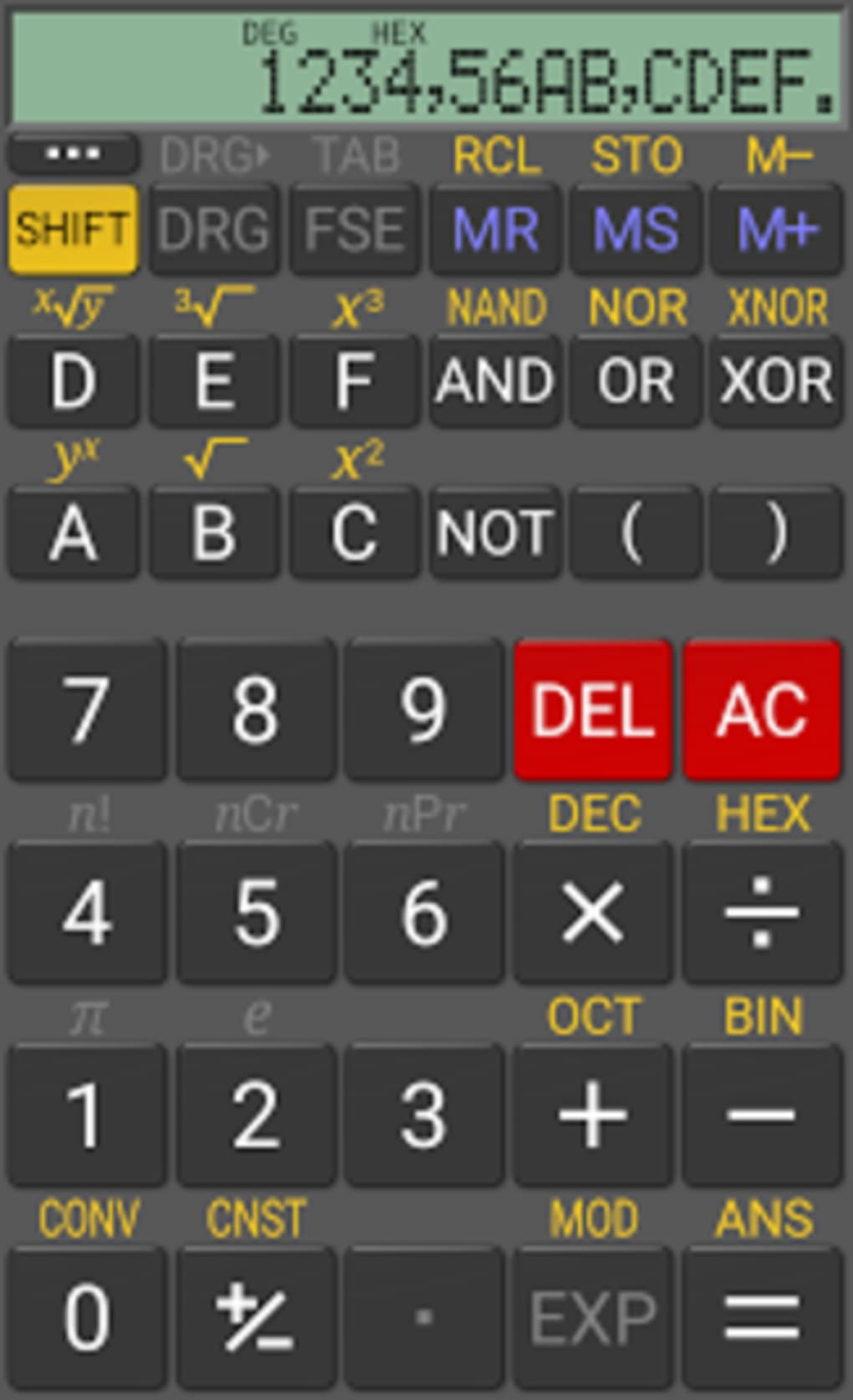
RealCalc presents a clean, intuitive interface that closely mirrors the layout of physical scientific calculators, making it immediately familiar to users transitioning from hardware devices. Navigation is straightforward, with clearly labeled buttons and logical grouping of functions. The workflow is optimized for efficiency, allowing users to perform multi-step calculations with minimal navigation. The app responds quickly to inputs, delivering results in real time, which enhances productivity during intensive problem-solving sessions. While specific performance metrics such as CPU or RAM usage were not provided, the application’s small file size of 1.5 MB suggests a lightweight design that is unlikely to strain device resources. Stability appears consistent with standard Android app behavior, though no formal testing data was shared. The developer did not specify resource usage details, but the app’s responsiveness and smooth operation across various screen sizes indicate optimized performance. The inclusion of customizable number styles and formats further improves usability by allowing users to tailor the display to their needs. Overall, the user experience is designed to minimize friction and maximize accuracy, making it suitable for both quick checks and extended calculation sessions.
Compatibility & System Requirements
RealCalc Scientific Calculator is designed for Android devices and is compatible with the operating system version specified in the release details. The software version is 1.2.3, and the installation file size is 1.5 MB, indicating a compact footprint suitable for devices with limited storage. The developer did not provide additional system requirements, so specific hardware specifications such as minimum RAM, processor type, or screen resolution were not listed. Compatibility information is limited to the Android platform, and no details were shared regarding support for tablets, wearables, or other form factors. The app is available as a standalone APK, allowing installation on Android devices without requiring access to the Google Play Store. Users should ensure their device meets general Android compatibility standards for running third-party applications. Exact performance details were not specified, but the app’s lightweight nature suggests broad compatibility across modern Android devices.
Pros and Cons
Pros
- Free to download and use with full scientific functionality
- Supports both algebraic and RPN input methods
- Includes unit conversions and DMS/fractions support
- Lightweight at only 1.5 MB in size
- Intuitive interface mimics physical calculators
- Help section guides users through ten operational modes
- Customizable display and number formats
- Memory function for saving and recalling results
Cons
- Advanced features require a paid enhancement
- No information on system requirements or resource usage
- Only available on Android, no desktop or iOS version
- Limited to mobile platform, may not suit all users
- Exact performance data not provided
FAQ Section
Is RealCalc Scientific Calculator free to use?
Yes, the core version of RealCalc is available at no cost. It includes a full set of scientific functions, unit conversions, and memory capabilities. Additional features may be unlocked through a paid enhancement.
What operating systems does RealCalc support?
RealCalc is designed for Android devices. The app is compatible with the specified Android OS version, though detailed compatibility information was not provided by the developer.
Can I use RealCalc offline?
Yes, the application does not require an internet connection to function. All features are available offline, making it ideal for exam environments or areas with limited connectivity.
Does RealCalc have a help section?
Yes, the app includes a built-in calculator help section that provides guidance on using the ten different operational modes, which is particularly useful for beginners or users unfamiliar with advanced calculator functions.
Is there a desktop version of RealCalc?
Based on the available information, RealCalc is currently only available as an Android application. There is no official desktop or Windows version mentioned in the provided details.
Final Thoughts
RealCalc Scientific Calculator stands out as a reliable, cost-effective alternative to physical scientific calculators. Its comprehensive feature set, intuitive interface, and support for multiple calculation methods make it a strong choice for students, teachers, and professionals. The free availability of the core version enhances its accessibility, while the option to unlock additional tools through a paid upgrade offers flexibility. Despite limited information on system requirements and performance, the app’s lightweight design and smooth operation suggest broad compatibility. The inclusion of a help section and customizable settings further improves usability and learning potential. For anyone seeking a powerful, portable scientific calculator on Android, RealCalc delivers significant value without the cost. Download RealCalc now.
Guides & Tutorials for RealCalc Scientific Calculator APK
How to install RealCalc Scientific Calculator APK
- Click the Preview / Download button above.
- Once redirected, accept the terms and click Install.
- Wait for the RealCalc Scientific Calculator APK download to finish on your device.
How to use RealCalc Scientific Calculator APK
This software is primarily used for its core features described above. Open the app after installation to explore its capabilities.
User Reviews for RealCalc Scientific Calculator APK 0
No reviews found





